
-
Title
Unable to access the PMAdmin portal after upgrading to 5.15.x -
Description
After upgrading Password Manager or importing the configuration file, PMAdmin is unable to and shows the following error.
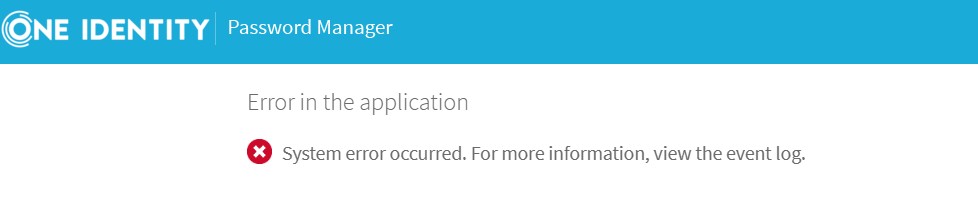
-
Cause
If the PMAdmin was configured to be used on a different port from 8081, it will need to be updated to the corresponding port configured showing local.storage file. This issue has been identified as a product defect and it is being tracked by the following defect ID 645688.
-
Resolution
WORKAROUND
1 - Open Windows Explorer and navigate to the following folder path "C:\ProgramData\One Identity\Password Manager";
2 - Open Local.storage file and search for the following setting name "customServicePortNumber";
3 - Check the value set there and navigate to the following folder path "C:\Program Files\One Identity\Password Manager\Web\Admin\App_Data";
4 - Edit the WcfConnectionSettings.xml and update the port number from the following part "net.tcp://localhost:8081" with the same port corresponding to step 2.
STATUS
Waiting for fix in a future release of Password Manager.
-
Change Request
645688