
Return
-
Title
How to: Create an Access Template for Unexpire Password (Extended Right) permission -
Description
How to create an Access Template for Unexpire Password (Extended Right) permission
-
Resolution
Unexpire Password (Extended Right) is only available for All Classes.
1 - Create a new Access Template;
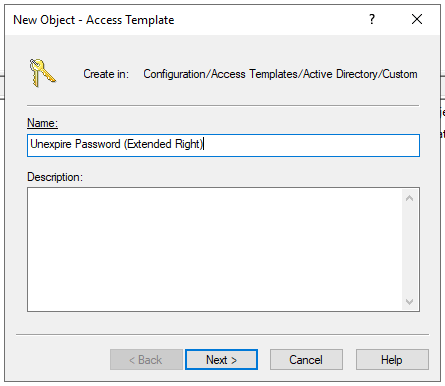
2 - Under the Access Template permission entries: | Add;
3 - Make sure All object classes is selected | Next;

4 - Under the select permission category, select Object access; scroll down until almost the bottom and check the box Unexpired Password | Finish;

5 - On the New Object - Access Template window, click Next | Finish;